


- Blue color
- Red color
-17%
$ 42
New
VHS to USB converter without a computer: the digitizer records VHS tapes to MP4 on a flash drive with one REC button. Watch the picture on your TV via HDMI.




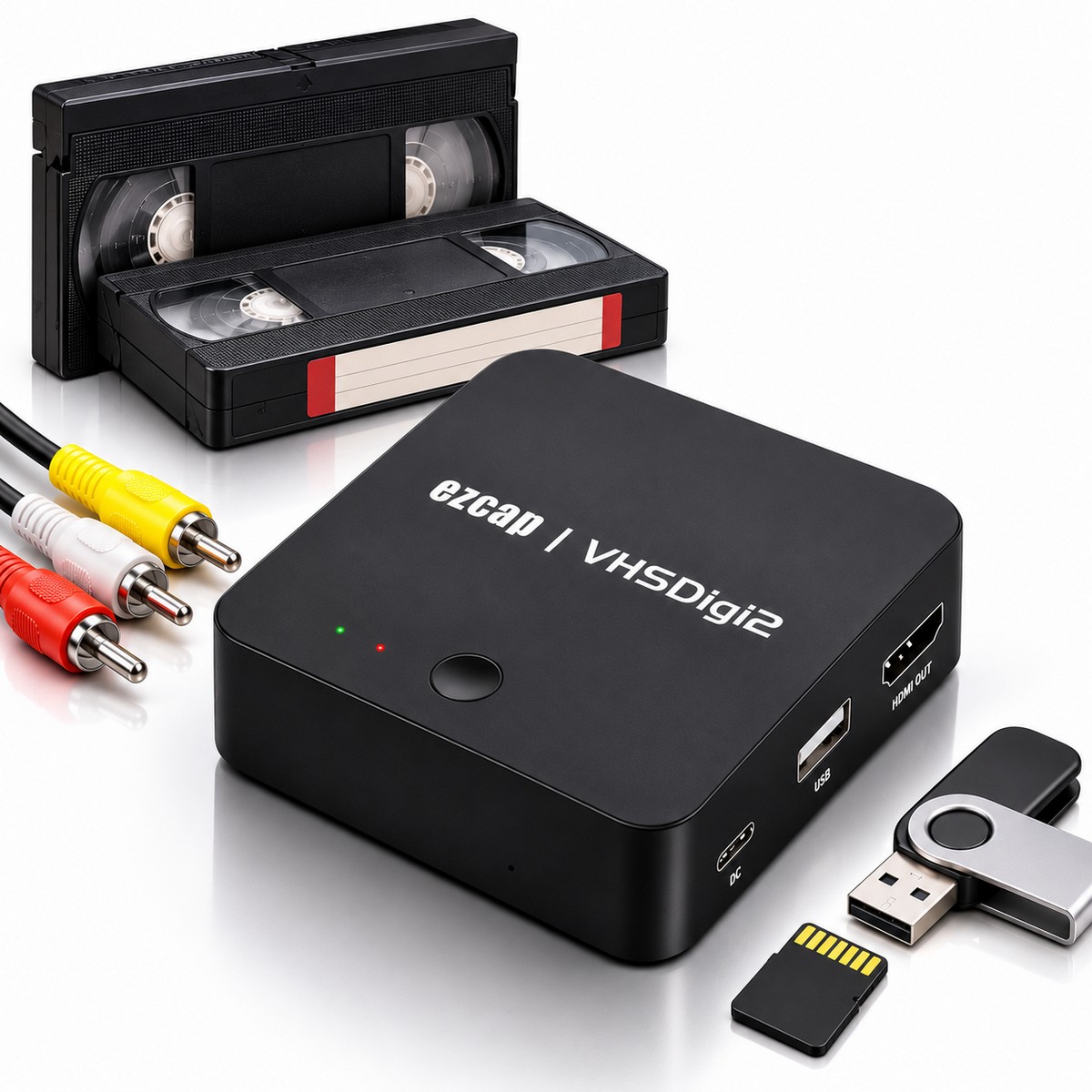
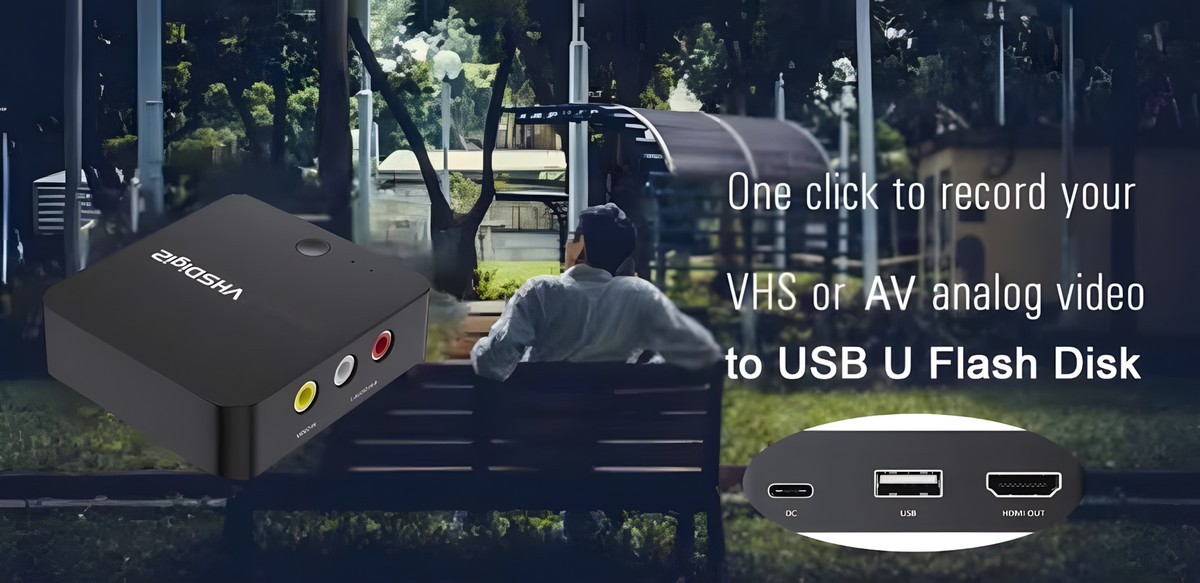
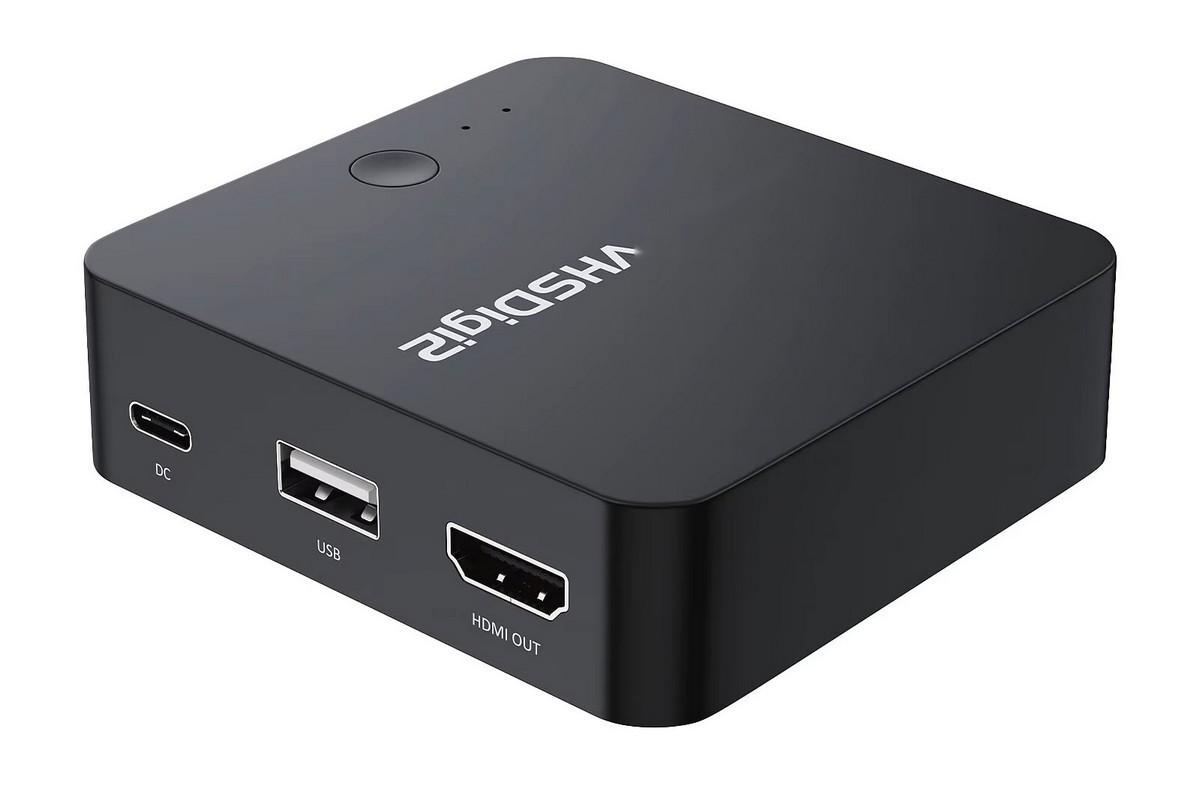
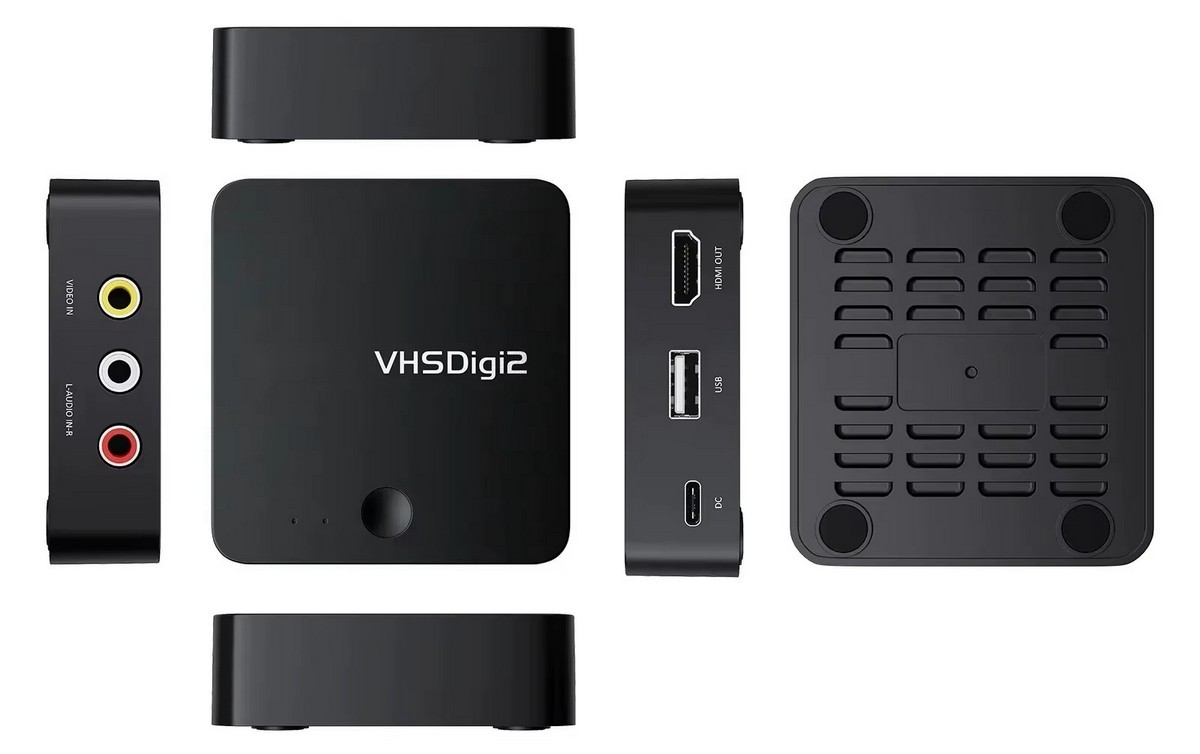


VHS to USB converter without a computer: the digitizer records VHS tapes to MP4 on a flash drive with one REC button. Watch the picture on your TV via HDMI. Preserve old video recordings in digital form without the hassle of setting up and using a computer. This compact AV digitizer allows you to capture analog video with a simple press of the REC button.
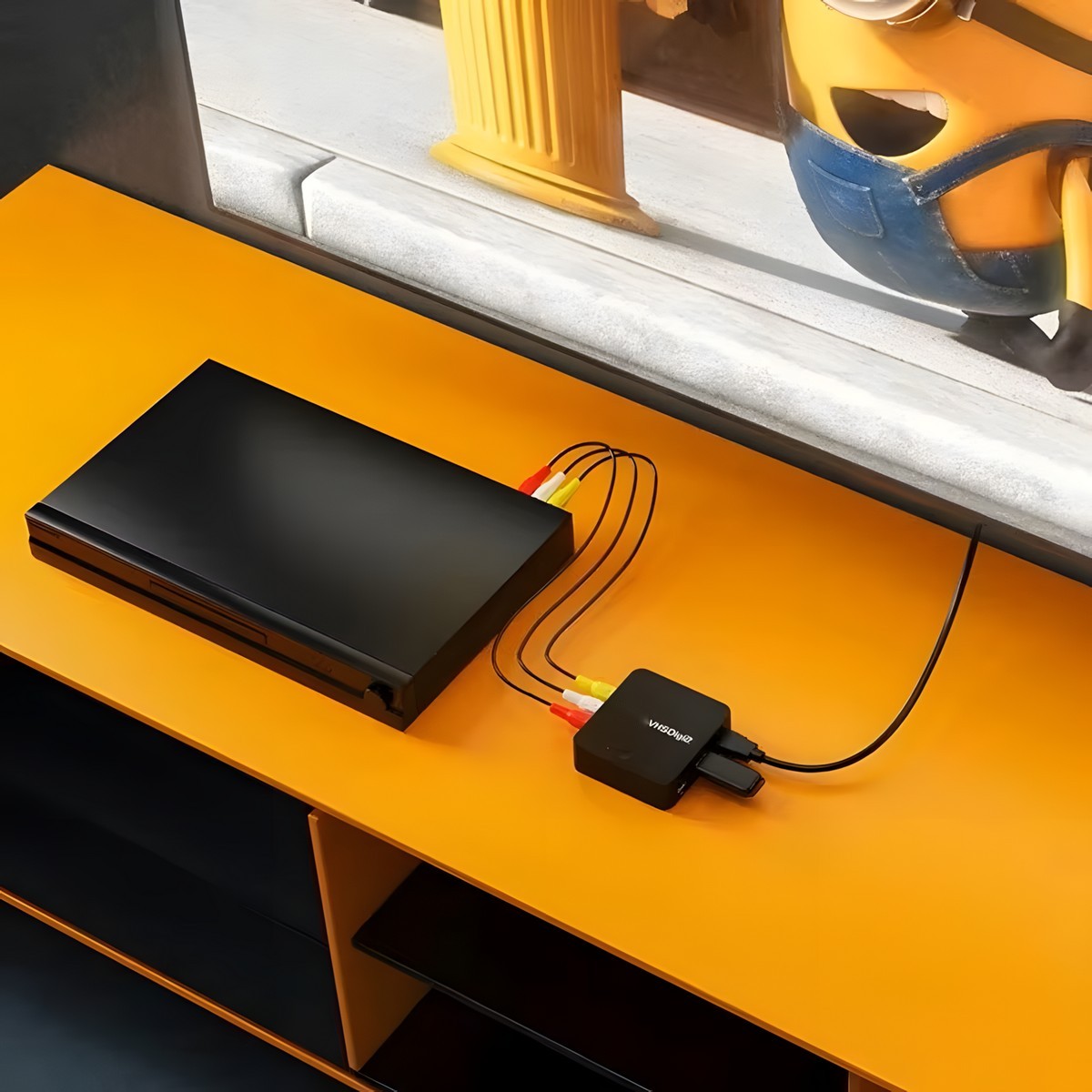
Simply connect a compatible video source, insert a USB flash drive and start recording. The entire process takes place directly on the device, which automatically saves the recorded content in MP4 format. It is an ideal solution for archiving family videos, old vacation footage or other valuable video content.
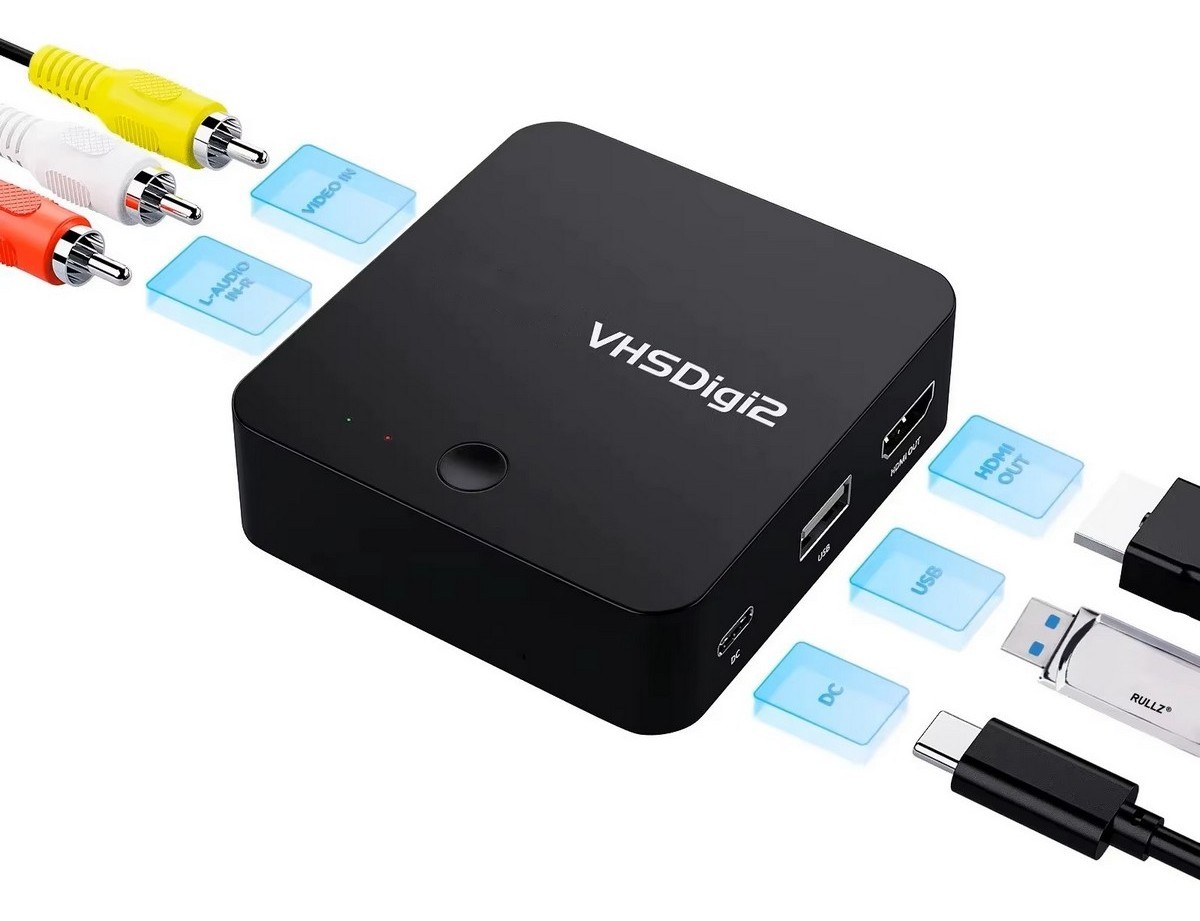
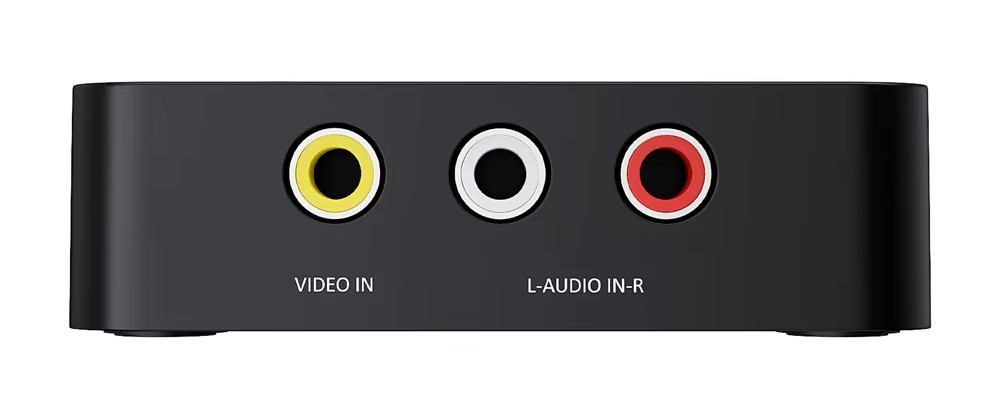
The digitizer is not only designed for converting VHS tapes, but also offers other possibilities. Via the composite RCA input you can connect VHS players, Hi8 camcorders, DVR recorders, DVD players or compatible game consoles.
Thanks to the stereo audio inputs, sound is recorded along with the picture, so the resulting video contains a complete audiovisual recording. The device can therefore be used not only for archiving old family memories, but also for capturing gameplay or other analog video content. For connection, simply use the classic RCA connectors that can be found on many older multimedia devices.
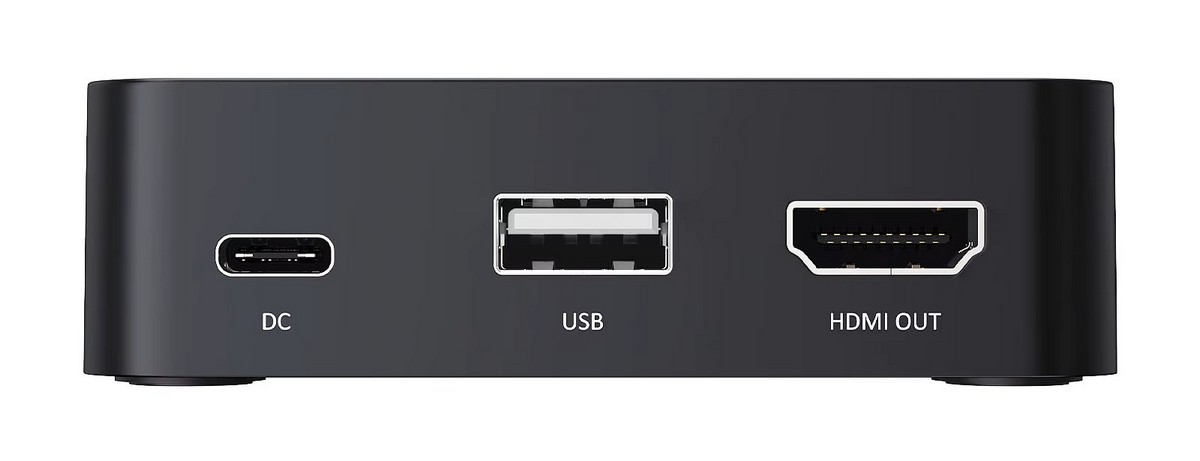
Although the digitizer does not have its own display, it offers an HDMI output for connecting a TV or computer monitor with an HDMI input. Once connected, you can watch the transmitted picture on a larger screen directly during recording. This is an easy way to check whether the connected device is set up correctly and whether the picture is being transmitted without problems. The HDMI output also provides a convenient way to watch analog video content without having to use an additional computer. This solution will be especially appreciated by users who want to have the digitization process under control on a TV or monitor.
The great advantage of the device is that it can save recordings directly to a USB flash drive. Digitized videos are saved in MP4 format, which allows for easy playback and further processing on compatible devices. It records video in 1280 × 720 resolution at 60 frames per second. After recording is complete, simply connect the flash drive to your computer and you can archive, copy or share your videos with family and friends. You can find other technical gadgets in the gadgets for geeks category.
No, the device works standalone without the need for a computer. Just connect a compatible video player, insert a USB flash drive and press the REC button.
No, the digitizer does not have a display. You can watch the picture during recording on a TV or monitor connected via HDMI output.
Using RCA connectors, you can connect VHS players, Hi8 camcorders, DVR recorders, DVD players, or compatible game consoles with composite AV output.
Recordings are saved directly to a USB flash drive with the FAT32 or exFAT file system. The resulting videos are saved in MP4 format and can then be easily transferred to a computer.
No, the package includes a USB-C to USB-A power cable. Use your own RCA cable to connect the player and a 5 V / 2 A USB adapter.
Technical specifications:
Package contents:
No reviews yet
Own this product? Help others with your experience.
No questions yet
Do you have questions about the product? Ask in the discussion
Our range isn't the biggest on the market. But we have tried every product in it ourselves before it reaches you.
We follow what's new and only add products that make sense.
We use every new product for several weeks, just the way you will.
Only what passes our test goes on sale. What doesn't, we don't sell.
A manual in the box and help with the setup by phone or e-mail.
“We're not the cheapest, but our customers are happy.”



 We also try to help those in need
 We won the prestigious Shop of the Year award from Heureka
 You have been shopping with us reliably and safely for 15 years
 We are internationally certified to ISO 9001


